RushDB Cloud
RushDB Cloud is the managed RushDB service at app.rushdb.com. It runs the RushDB engine for you and adds what the engine alone doesn't have:
- the dashboard — browse records and relationships, build queries, manage indexes;
- projects, workspaces and team access, with API keys per project;
- managed embeddings — mark a property for semantic search and Cloud embeds every write, and every text query;
- AI features — natural-language search and relationship-pattern suggestions;
- the REST API and a hosted MCP connector with OAuth for ChatGPT, Claude.ai and other web clients.
The engine itself — records, relationships, SearchQuery, keyword, vector and hybrid search, transactions — is the same one you can self-host. Code written with the SDKs runs against both. See What RushDB Cloud adds for the full list.
Get an API Key
-
Sign up at app.rushdb.com/signup with your email address or a third-party provider.
-
Create a project in the dashboard.
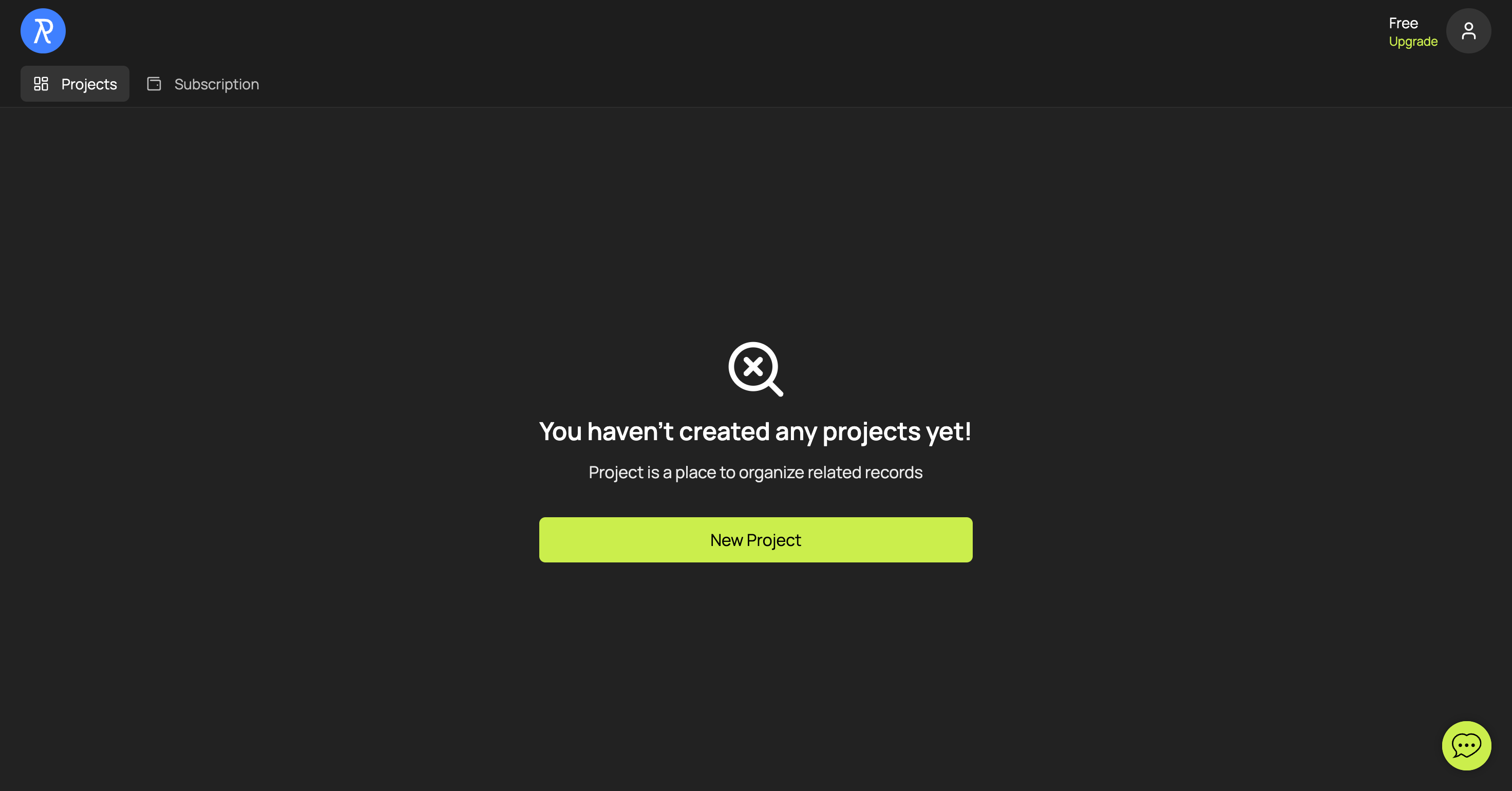
-
Copy the API key from the project's Help page, or create more on the API Keys tab.
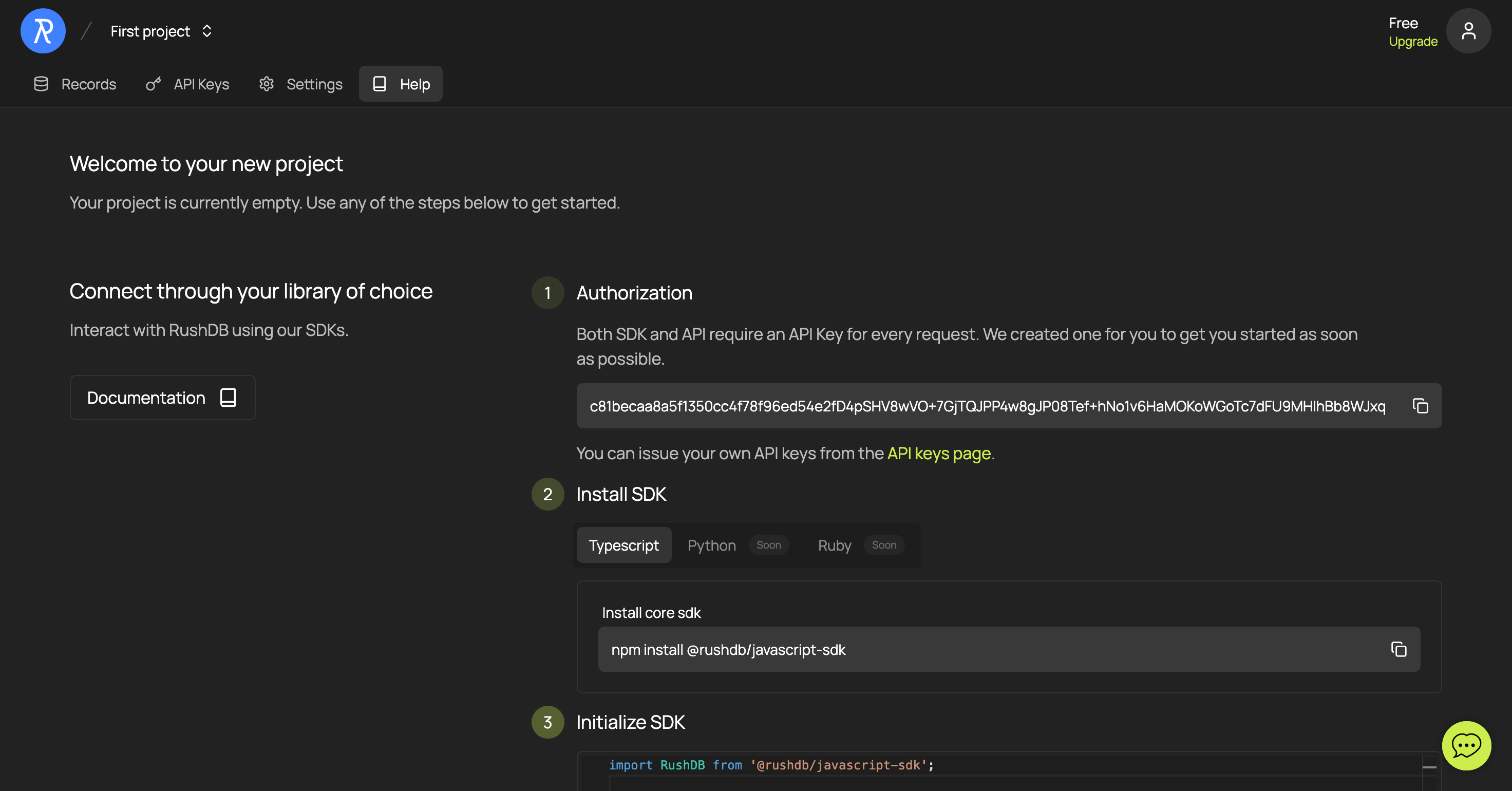
Then connect:
import RushDB from '@rushdb/javascript-sdk'

const db = new RushDB(process.env.RUSHDB_API_KEY!)
Full-access and read-only keys
- Full access (read & write) — the default. Can call every endpoint, including creates, updates, deletes, imports and transactions. Server-side use only.
- Read-only — can only query: record search and retrieval, labels, properties, relationship search, aggregations, keyword and semantic search, and CSV export. Every write is rejected with
403 Forbidden.
A read-only key can't modify anything, so it is safe in client-side code for public demos and dashboards. Read-only is not private: anyone who extracts the key can read the project's data. Use read-only keys only for data meant to be publicly readable, and set an expiration where possible.